
Summary
This release delivers better visibility for mobile feature support by introducing a Mobile Usage report page alongside minimum mobile version warnings shown on related features.
Additionally, quality of life improvements have been made to completing Forms for a better user experience.
Features
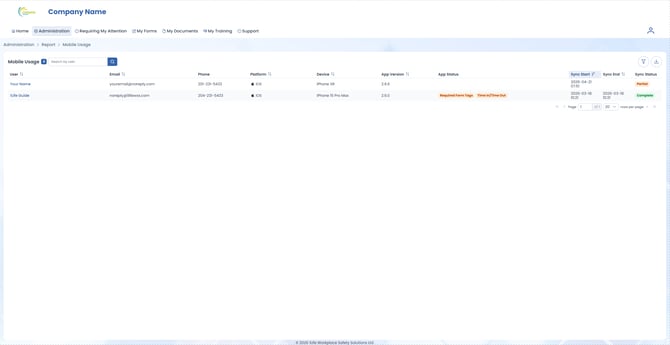
- Redesigned the Sync Logs page to become the Mobile Usage page, now located under the Reports section of the Administration drop-down menu.
- Web Admins now receive additional information regarding their User's sync logs, including whether that User is on an outdated version of the 1Life mobile application.
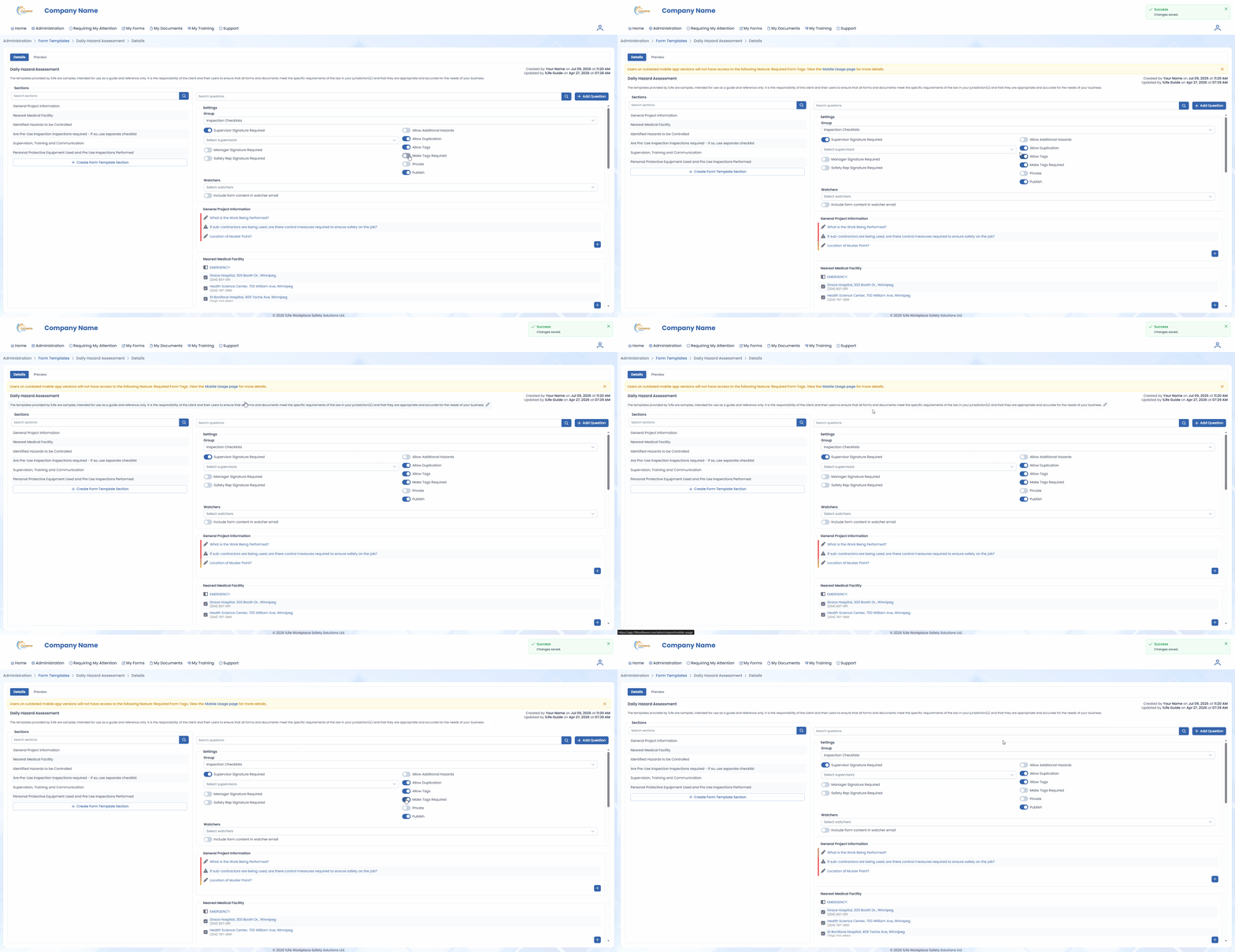
- Features which require a minimum mobile version to be supported now have a warning appear on their respective page, if the Company has Users below that minimum mobile version.
Improvements
- The Login page message announcing the web redesign has been removed.
- Clicking the Section N/A button in a Form will no longer collapse the questions within that section.
- Signing a Form will now auto-scroll the User to the Signatures section.